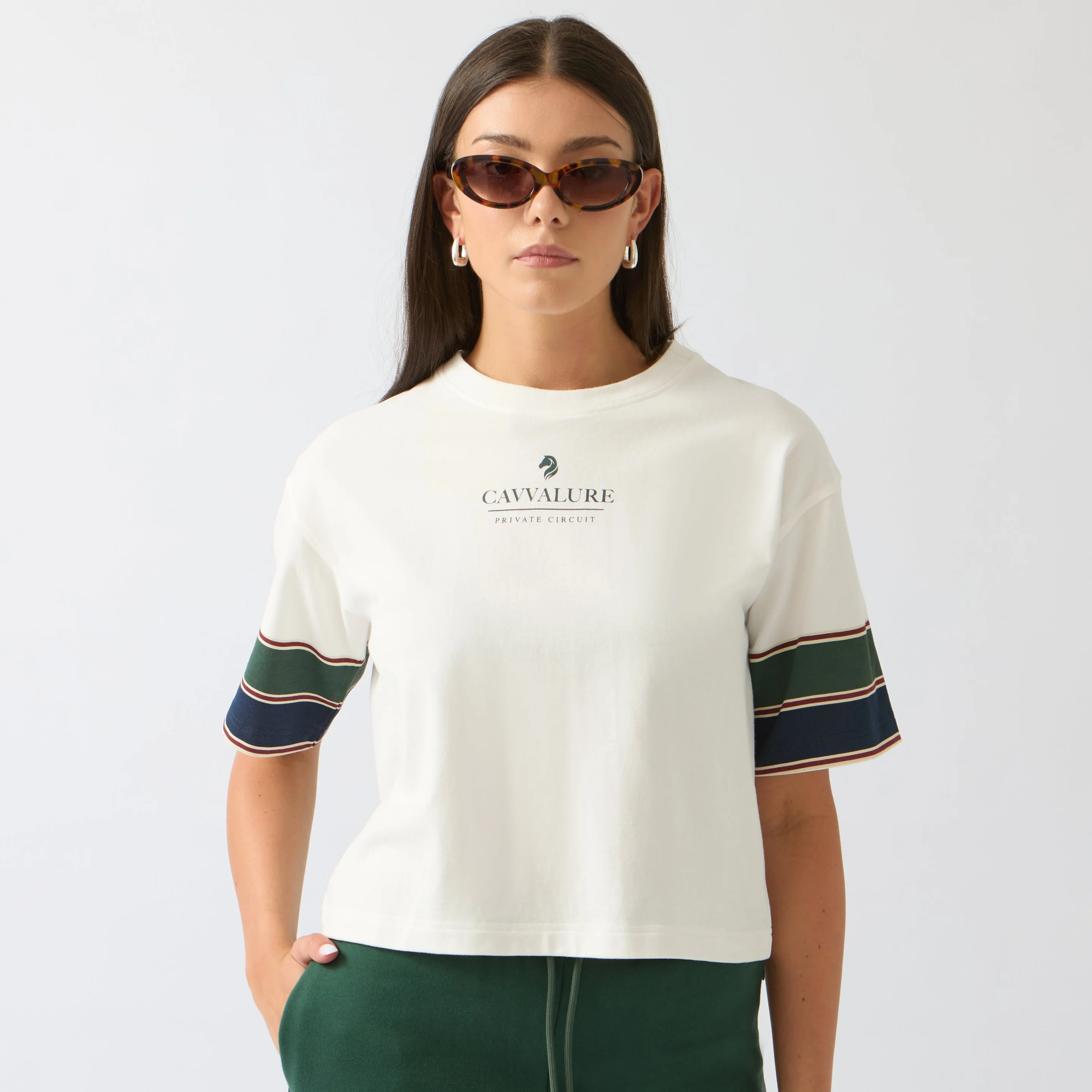

Low-quality product images can negatively impact your sales. With tools that remove background from product images, you ensure that the product itself becomes the focus – not the surroundings.
1. Shopify Magic – best for Shopify users
Built directly into the Shopify admin panel, Shopify Magic removes backgrounds with one click. You can replace it with a solid background, AI-generated scenes, or a custom background. All edits are saved directly to your product gallery. Price: Included in all Shopify plans.
2. Pxl Photo Background Remover – best for large catalogs
Automates background removal with the ability to remove up to 15 backgrounds simultaneously. Price: 10 free credits; paid plans from 5 USD.
3. InPixio Remove Background – best for browser-based workflow
Uses AI segmentation to isolate the subject and erase the background. Supports batch processing of up to 30 files at once. Price: Free plan available.
4. Icons8 – best for large volumes
Erases backgrounds from up to 500 images at once. Professionals can batch-process for 20 cents per file. Price: Three free cutouts; then 20 cents per image.
5. Cutout.pro – best for photos and video
Removes backgrounds from video without a green screen and places the subject on new backgrounds. Price: Five free credits; paid plans from 2.99 USD.
6. PhotoScissors – best for marketplace sellers
Automatic background removal with built-in cropping presets for Amazon, eBay, and social media. Price: Free standard resolution.
7. Clipping Magic – best for pixel accuracy
Combines Auto-Clip AI with an interactive Smart Editor for precision adjustment of complex edges like hair and glass. Price: Free with watermark; plans from 3.99 USD monthly.
8. Adobe Express – best for Adobe users
One click delivers a transparent PNG with integration to Adobe's other tools and thousands of templates. Price: Free plan; premium from 9.99 USD monthly.
9. PicMonkey – best for social media
Cloud-synced editing between mobile and desktop, with built-in templates for social platforms. Price: Seven-day free trial.
10. Background Eraser – best for Android
Offers three removal modes: Auto, Magic, and Manual for variable control. Price: Completely free.
11. Remove BG – best for iPhone/iPad
AI-generated backgrounds, templates, and pixel-level precision adjustment. Price: Free with optional in-app purchases.
How to choose the right tool
Consider ease of use, edge accuracy, batch processing capacity, and export quality. Always test tools with challenging subjects such as hair, transparent packaging, or reflective metal. After removing the background, remember to optimize images with descriptive alt-text and compressed file sizes for faster load times.